JBL

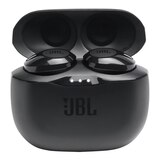
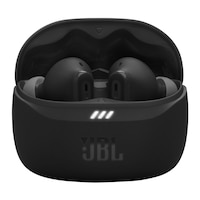
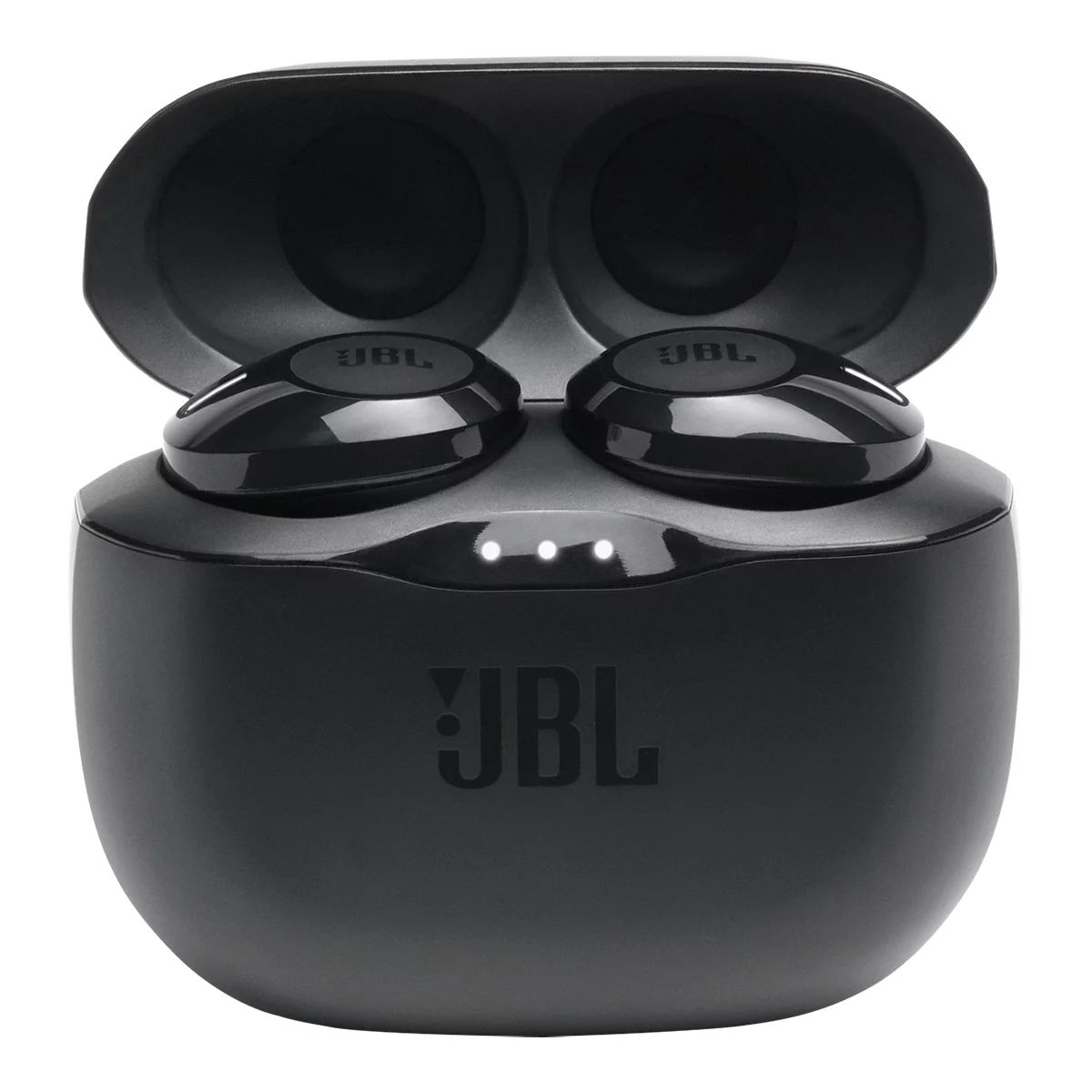
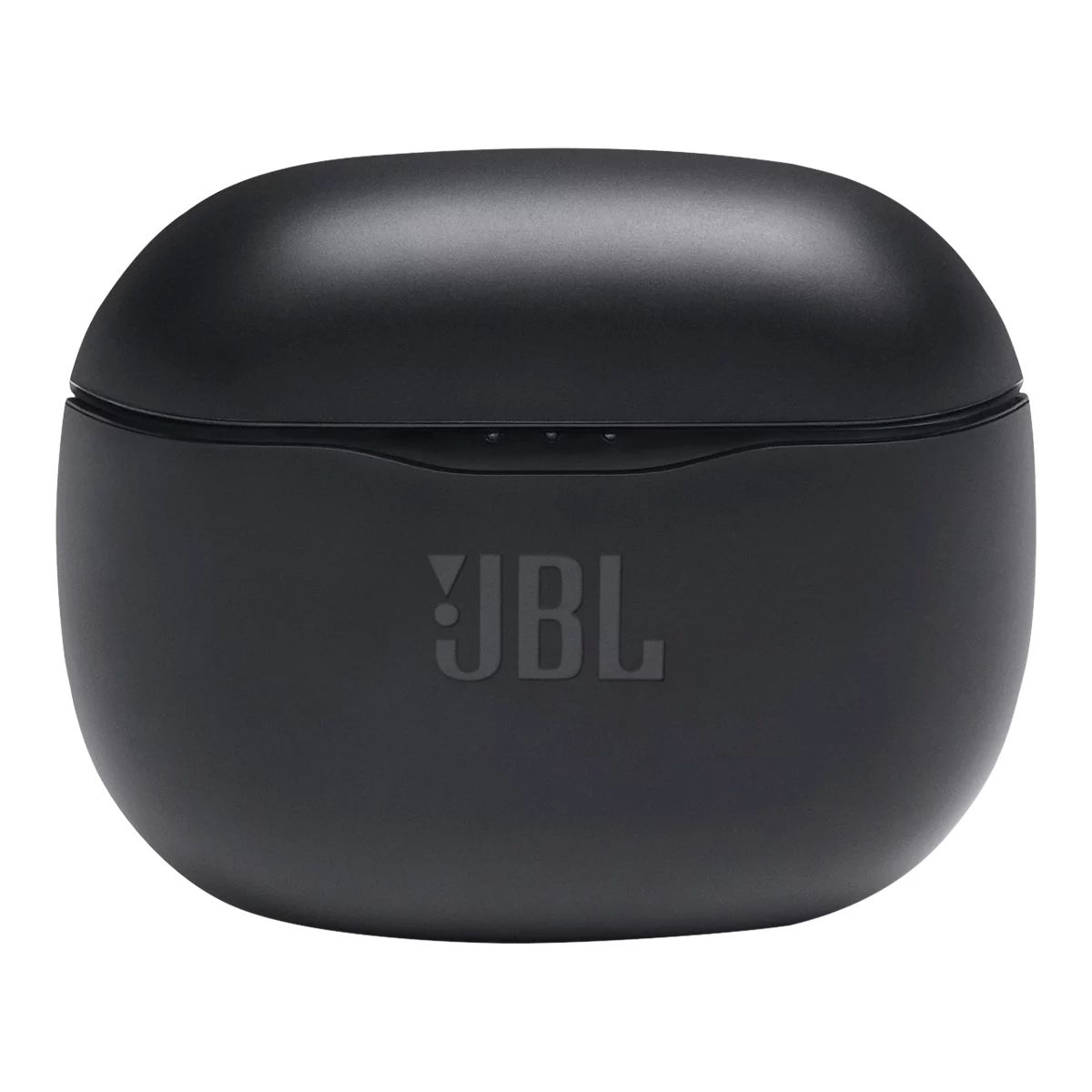
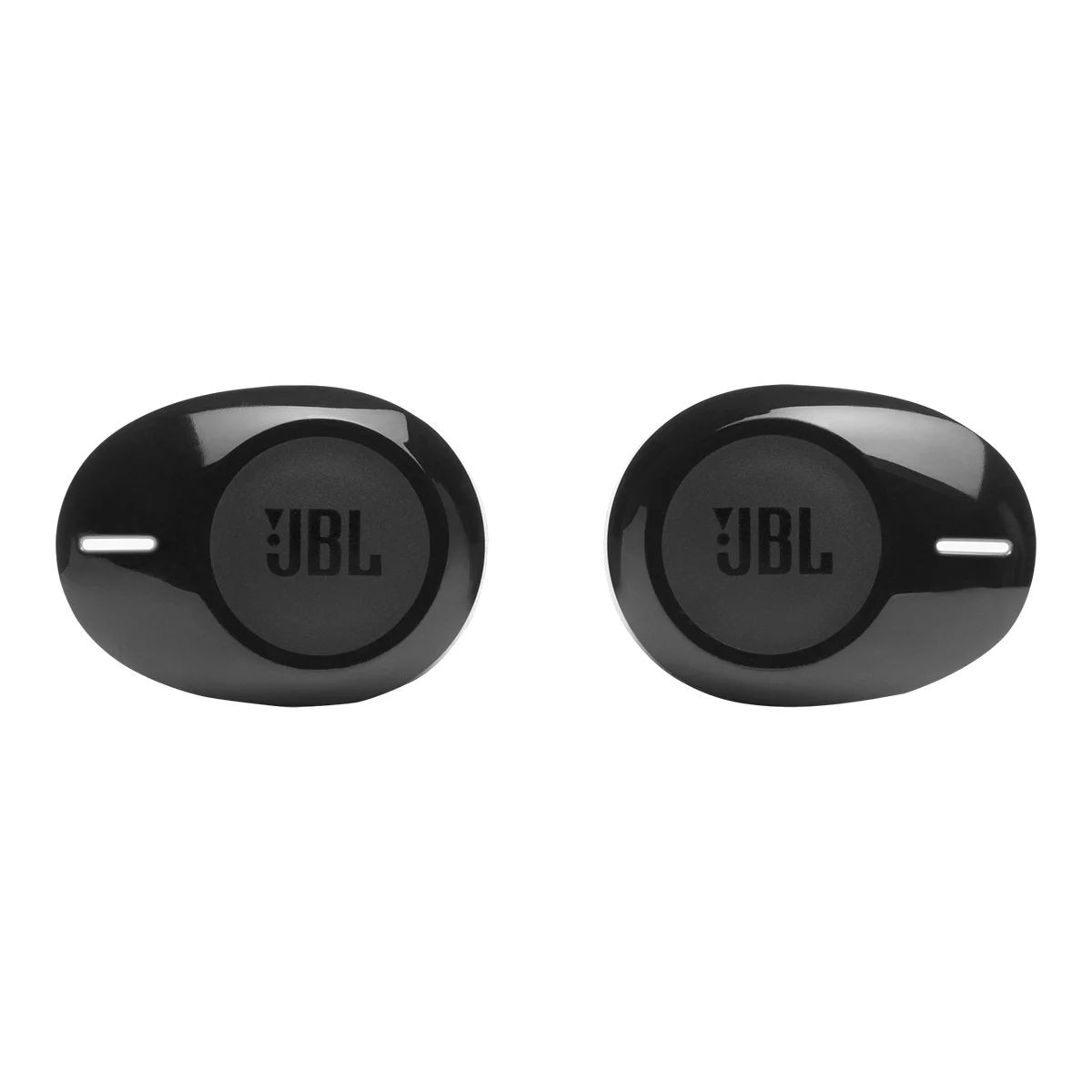
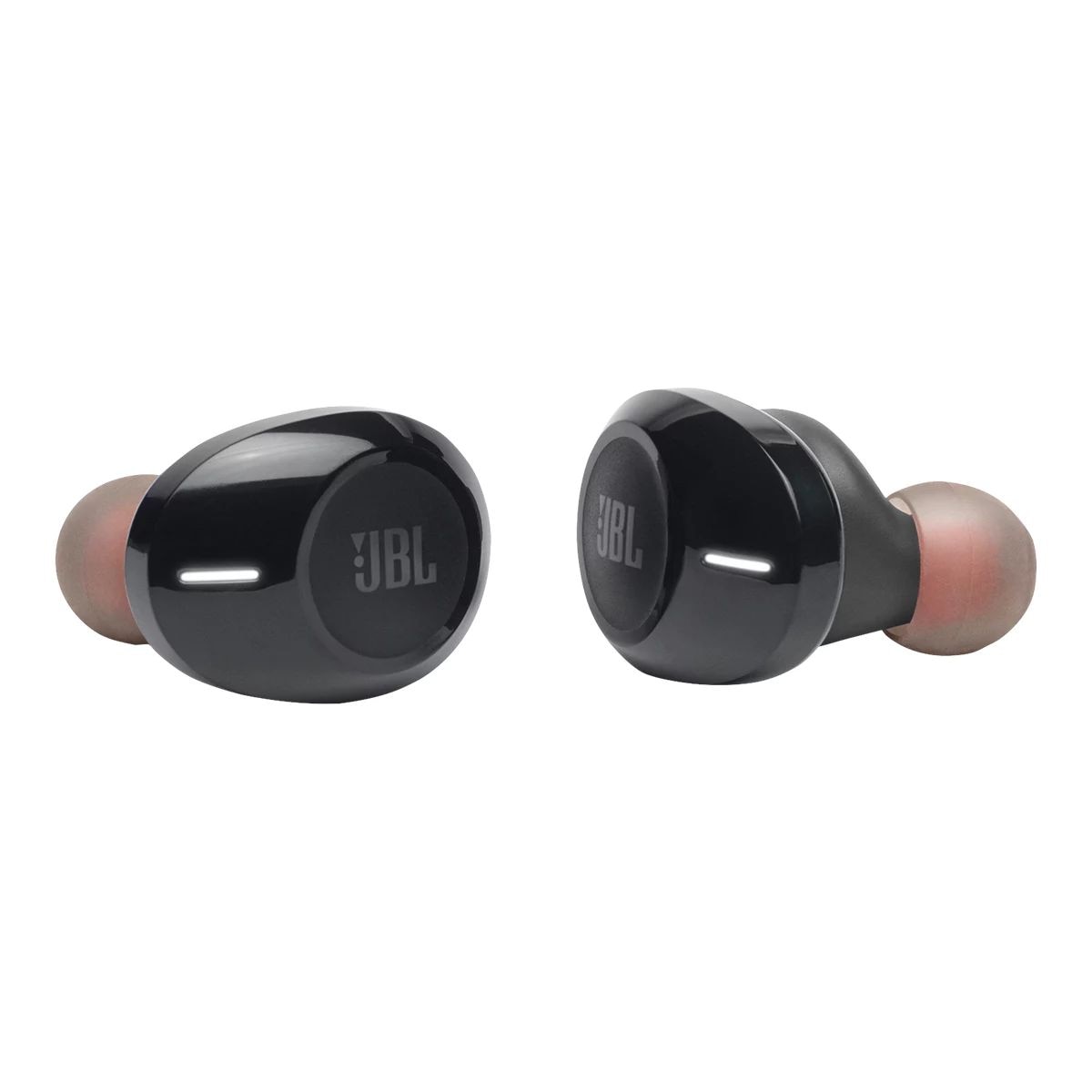
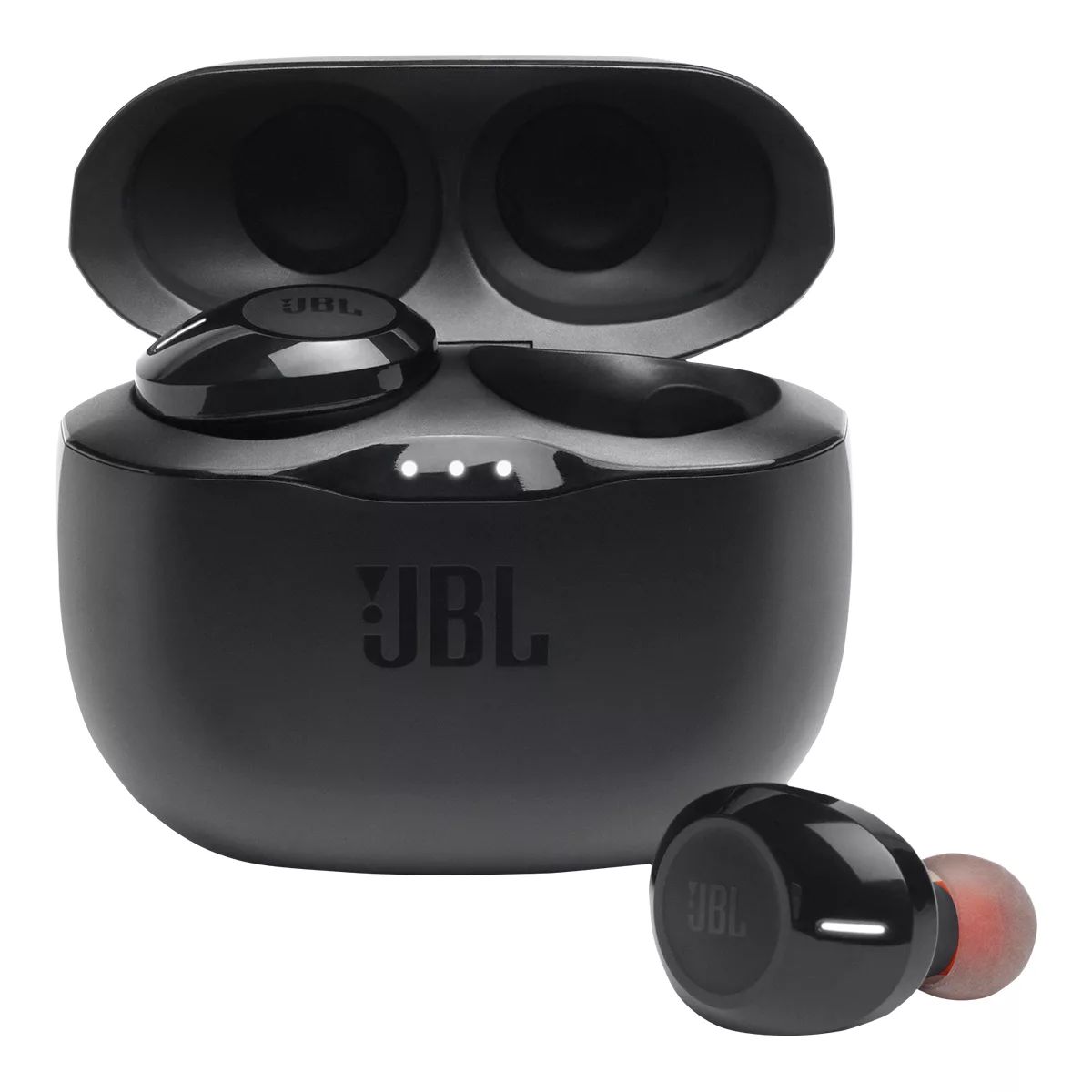
JBL Tune 125 TWS Wireless In Ear Headphones, Bluetooth, Charging Case

#333350500
NOW$9.88
price was $16.88
Clearance‡Top Rated

*On select style/sizes

Unfortunately, this product is temporarily out of stock in your store and nearby stores.

You may be interested in these similar products shown below.

JBL
JBL

JBL Tune 125 TWS Wireless In Ear Headphones, Bluetooth, Charging Case

NOW$9.88
price was $16.88

Product Details

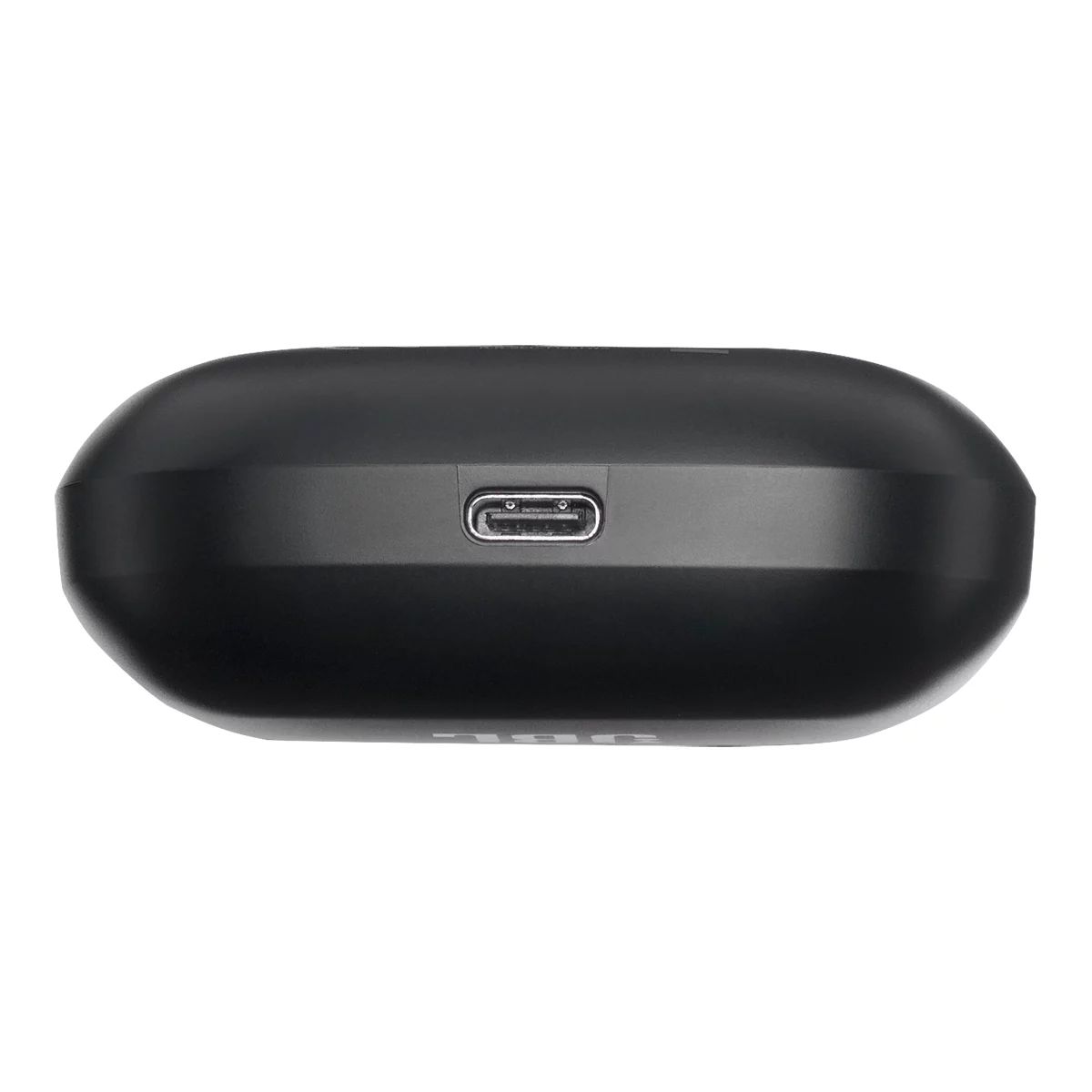
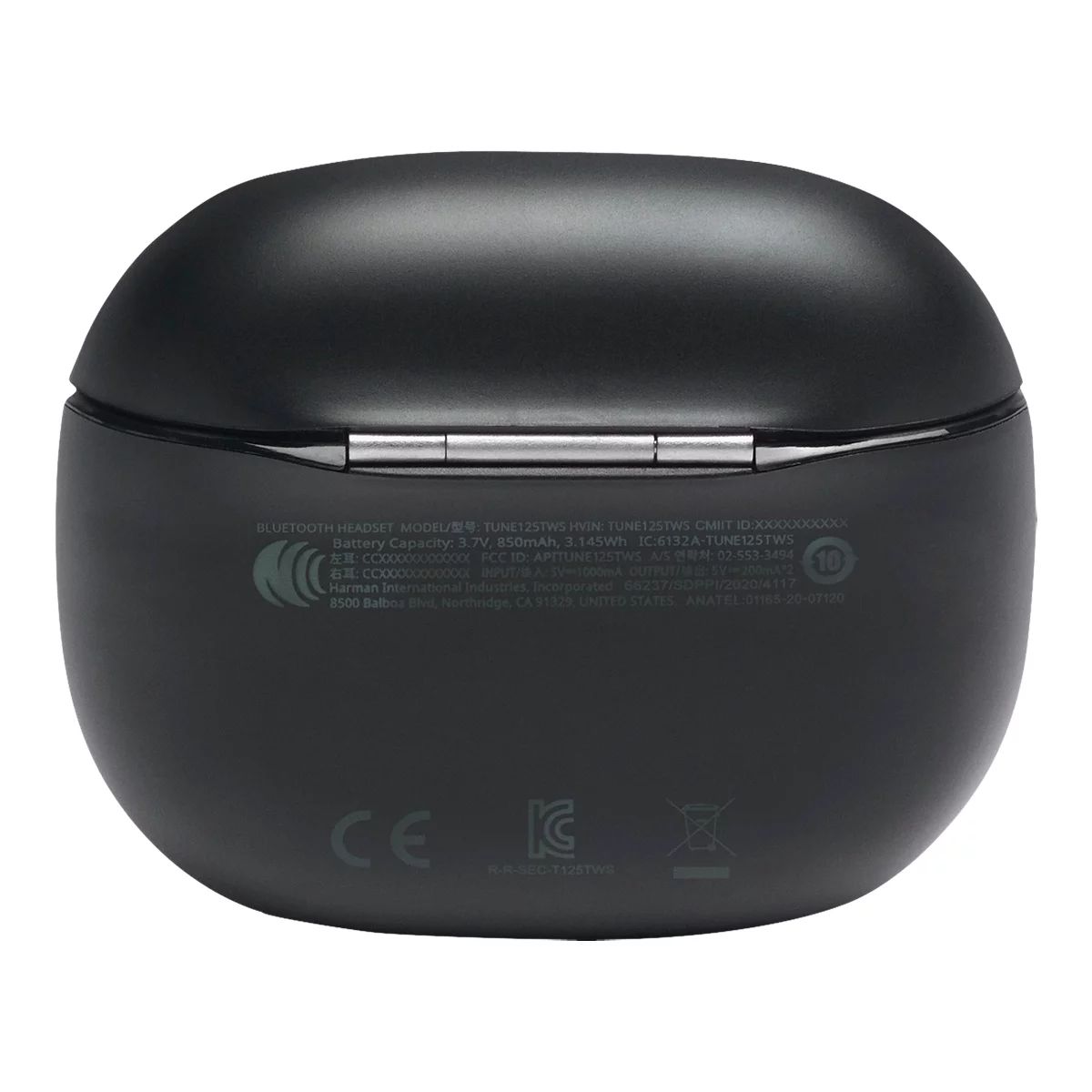
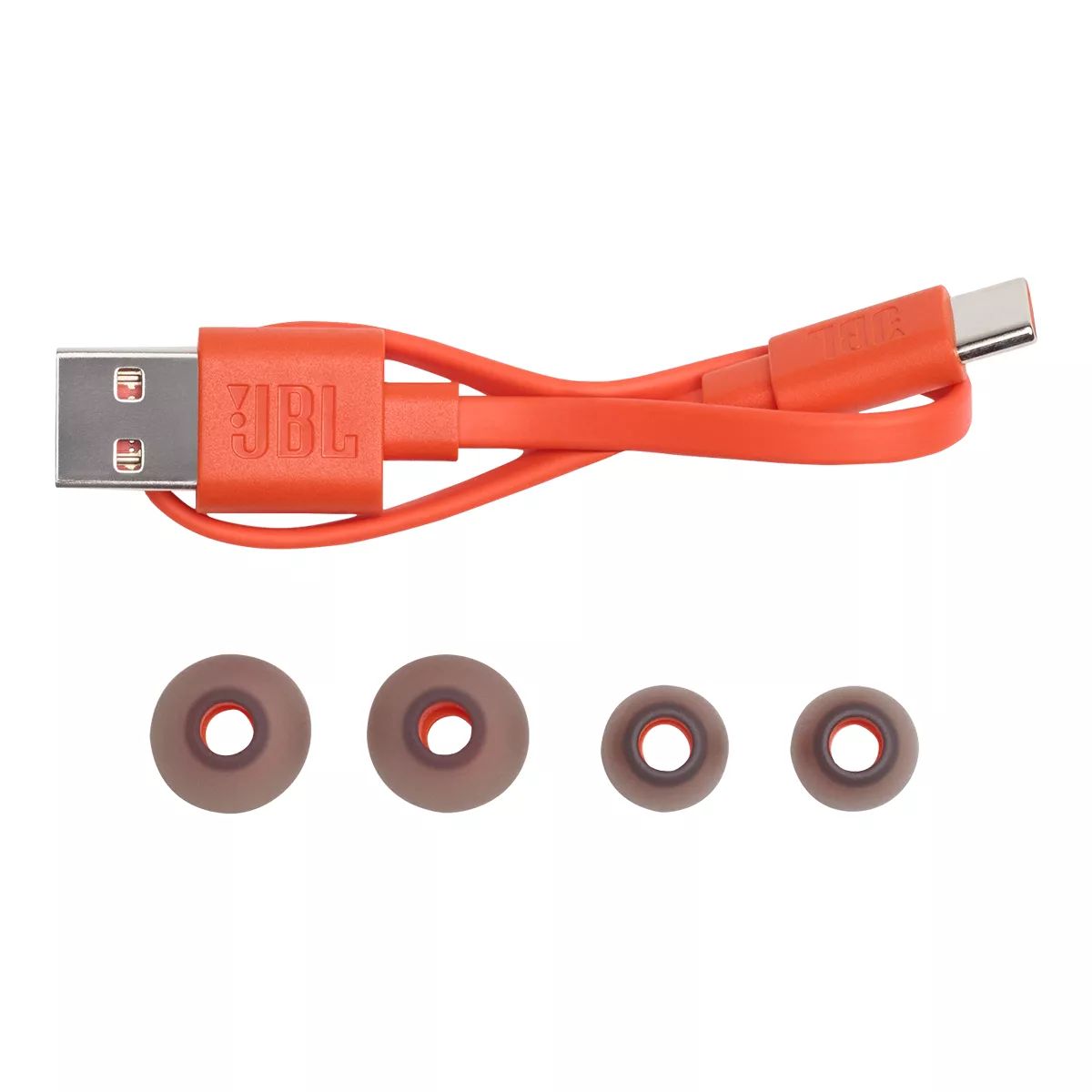
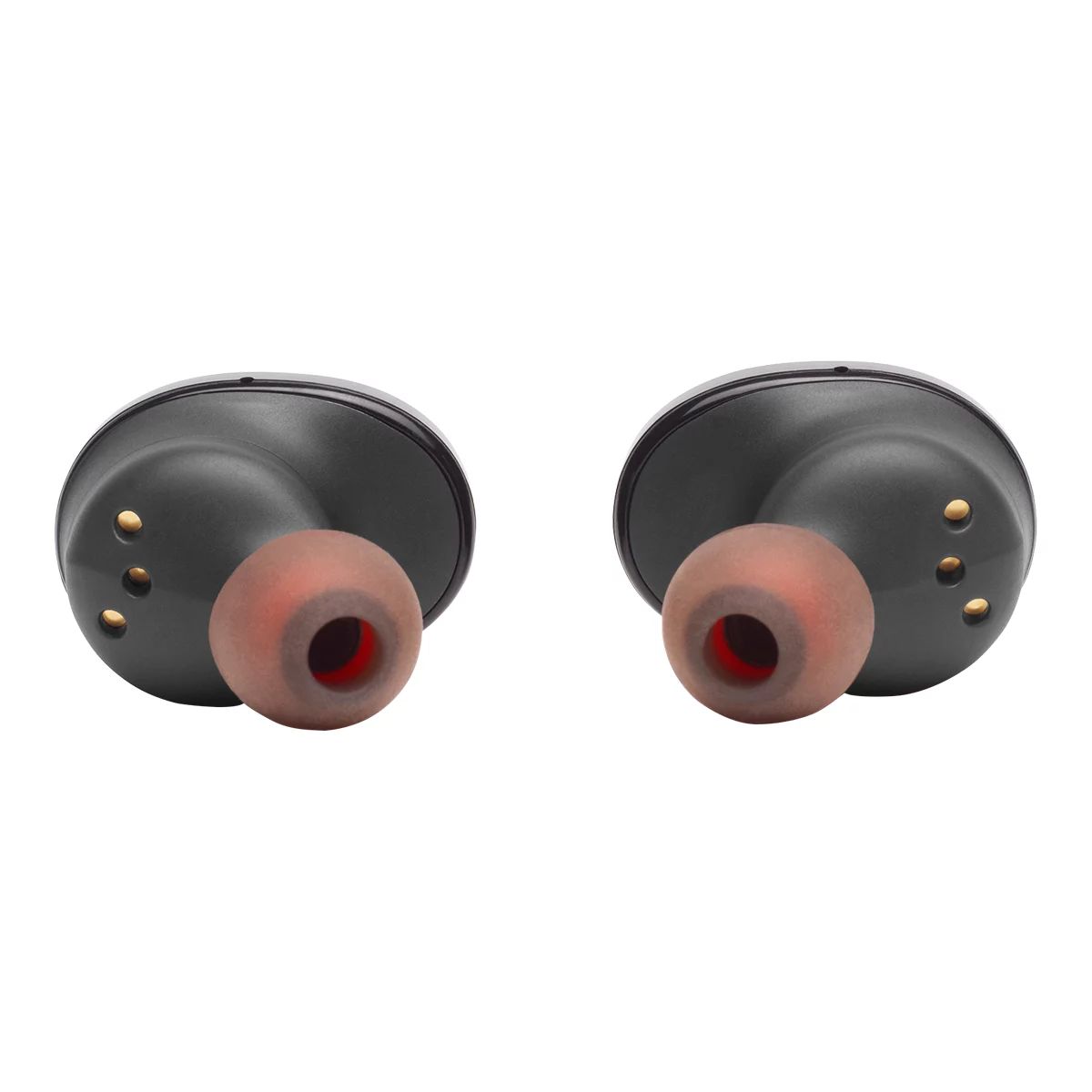
Immerse yourself in your world. Whether you’re tuned into music or taking calls, you’ve got no cords to hold you back. Just wear the JBL TUNE 125TWS earbuds to start feeling the sound, as they immediately connect to your device the instant you take them out of the case. Dual Connect lets you use either earbud, or both, anytime you want. Your favorite artists sound incredible thanks to JBL Pure Bass. With up to 32 hours of battery life and a comfortable fit, you can keep the music going all day and night. What’s in the box: JBL TUNE 125TWS, 3 sizes of eartips (S, M, L), Type-C USB charging cable, Charging case, 1 x Warranty / Warning (W / !), 1 x QSG / Safety Sheet (S / i)

  • Feel The Bass: JBL has powered festivals and concerts around the world for decades. Now let JBL bring your own world to life with incredible Pure Bass sound.

  • Freedom From Wires: Tangled in your bag, caught in your jacket or stuck in your hair, wires can get in your way. Experience total freedom with no cords with the True Wireless JBL TUNE 125TWS earbuds.

  • Listen For Longer: With up to 32 hours of battery life, you can listen all day and all night. Keep your own private concert going for as long as you can keep up.

  • Fast Pair: You don’t have time to wait around. As soon as you take your earbuds out of the case, they are paired to your Android device in a single tap. After pairing, any other device can be detected even when not paired. Enjoy incredible JBL sound seamlessly.

  • Either Ear, Or Both: Left ear, right ear, both ears? The power of Dual Connect gives you the choice to seamlessly enjoy music or make calls with either one or both buds. And the battery life keeps up with you, as you can keep one earbud charging, while using the other one.

Headphone Type In-Ear
Accessories List Charging Cable,Charging Case
Advanced Features Wireless,Compact Design,Long Battery Life,Built-in Microphone,Sound Isolating,Lightweight
Cord Length (ft.) 0.00 ft
Cushion Material Silicon
Smart System Compatibility No Smart Technology
Decibel Rating (dB) 96 dB
Effective Wireless Range (ft.) 30.00 ft
Power Source Battery
Battery Type/Battery Size Integrated Rechargeable
Batteries Required Quantity 1
Battery Charge Time (hr) 2 h
Battery Life (hr) 32 h
Battery Technology Lithium-Ion
Assembled Weight (kg) 0.07 kg
Assembled Length (cm) 6.70 cm
Assembled Width (cm) 2.50 cm
Assembled Height (cm) 5.80 cm
Non-toxic When Used as Intended Yes
Online Ordering
Returns
  • Most products can be returned or exchanged at any Sport Chek retail store
  • Return to our warehouse via mail at your cost
  • Returns must be made within 30 days to receive a full refund
  • Returns made between 31 and 60 days will receive merchandise credit
  • The return policy outlined above may not apply to the product you are currently viewing. For complete details and eligibility, please refer to our Return Policy for exceptions.

Compare Similar Items

Only Show Differences
Ratings
Headphone Type In-Ear In-Ear In-Ear Earbuds Over-Ear
Accessories List Charging Cable,Charging Case Replacement Earbuds Charging Cable,Charging Case USB Charging Cable,Replacement Earbuds,Rechargeable Battery,Carrying Case,Charging Case No Accessories Included
Advanced Features Wireless,Compact Design,Long Battery Life,Built-in Microphone,Sound Isolating,Lightweight Wireless,Built-in Microphone,Waterproof Noise Cancelling,Wireless,Sweat Resistant,Compact Design,Long Battery Life,Built-in Microphone,Lightweight Wireless,Compact Design,Long Battery Life,Built-in Microphone,Lightweight Compact Design,Collapsible/Foldable,Built-in Microphone,Lightweight

Reviews

Rating Snapshot

Select a row below to filter reviews.
138 reviews with 5 stars.
59 reviews with 4 stars.
22 reviews with 3 stars.
31 reviews with 2 stars.
70 reviews with 1 star.

Overall Rating

3.5

Review this product

Select to rate the item with 1 star. This action will open submission form.
Select to rate the item with 2 stars. This action will open submission form.
Select to rate the item with 3 stars. This action will open submission form.
Select to rate the item with 4 stars. This action will open submission form.
Select to rate the item with 5 stars. This action will open submission form.
Adding a review will require a valid email for verification
    1 to 8 of 320 Reviews.
    1 – 8 of 320 Reviews
    7 months ago
    I love them bass is good sound good end up buying second pair

    Originally posted on jbl.com

    Only Lasts Three to Four Months

    10 months ago
    I have own several pairs of these exact earbuds probably around five to seven in my life. They only last around three to four months. I know planned obsolescence exist and all but this seems extreme.

    Originally posted on jbl.com

    Response from jbl.com:
    10 months ago
    Customer Support
    We'd like to work with you directly to address the issues you're experiencing with your unit. If needed, we'd also like to get more information so we can check your options. Please contact us at (800) 336-4525. We are available Monday to Friday from 9:00 am to 11:00 pm (ET) and Saturday to Sunday from 9:00 am to 5:00 pm (ET).

    Poor device

    a year ago
    I hardly used the device, because it gives poor sound or mic doesn't work

    Originally posted on jbl.com

    Response from jbl.com:
    a year ago
    Customer Support
    Thanks for your feedback. In order for your JBL Tune 115BT to give you the best audio response, you must create a tight seal within your ear canal. First, angle the eartip slightly downward to make it easier to insert into your ear canal, then gently twist the earbud to fit it securely into the shape of your ear and continue twisting the earbud into your ear canal to achieve the best seal and secure fit. It is best to try this with all of the provided eartip sizes until you find the one that accomplishes this most easily. As for the microphone, ensure that the Tune 115BT is selected as the audio input in your audio settings. If you need further assistance, please contact us.

    good sound

    a year ago
    my old reliable, a shame i lost it but very good. Just dont drop em.

    Originally posted on jbl.com

    Garbage Product

    2 years ago
    Absolute garbage, don't get these. Not only are these not supported by the app, but the sound keeps cutting in and out constantly. These are the only headphones i got that do this nonsense.

    Originally posted on jbl.com

    Response from jbl.com:
    2 years ago
    Customer Support
    Thanks for reaching out. Our JBL Tune 125TWS is not supported by our JBL Headphones App. To help isolate the issue, check if the dropouts occur when the unit and device are within 10 feet of each other. Try to forget the unit and pair it with your device. Then, try pairing it with another device. For further assistance, please contact us.

    OUT OF PHASE

    2 years ago
    This might just be an issue with the earbuds I purchased but the left and right channels are out of phase. Every song, every app, everything. It's not terribly bad but as a sound engineer I noticed it from the moment I took them out the box and hit the play button. I'm a little surprised that this would be an issue with a company known for it's dedication to sonic fidelity.

    Originally posted on jbl.com

    Response from jbl.com:
    2 years ago
    Customer Support
    We appreciate you for sharing your feedback on our JBL Tune 125TWS. We're here to help. Please try to unpair or forget the JBL Tune 125TWS to your device, then manually pair the earbuds by tapping both earbuds' buttons simultaneously three times. Next, test if this re-establishes their connectivity and syncs both earbuds. If the issue continues, you can try to factory reset the JBL Tune 125TWS by placing both earbuds in the charging box while the charging box is plugged into a power source. Press and hold the button on the right earbud for about 5 seconds. The LED on the earbud will turn off and then turn back on again. After resetting, it will remove its previous pairing and settings, so it will be necessary to pair it again to your devices. Do another test by manually pairing both earbuds again and see if this fixes the issue. If you need more help, please reach out to our Customer Support for further assistance.

    broke

    2 years ago
    I bought these a few months ago. I really love JBL products and was happy with mine, then randomly the right earbud completely stopped working while the left works perfectly, I checked to make sure it was clean and properly charging. I looked into what could be causing this issue all i can find is factory resetting did this still does not work. nothing caused this to stop working making believe its a issue with the product.

    Originally posted on jbl.com

    Response from jbl.com:
    2 years ago
    Customer Support
    We appreciate your feedback. If there is no problem with charging the right earbud and a light indicator is present, we recommend attempting to manually re-pair the two earbuds by simultaneously tapping the touch controls three times on both the left and right buds. If the issue remains, you may contact our customer support for further assistance.

    Survived the wash and dryer!

    2 years ago
    I have been using these ear buds for over a year. I just ran them through the washing machine and dryer and they still work. I am impressed!

    Originally posted on jbl.com

    1 – 8 of 320 Reviews