Credit Offered Support
JBL

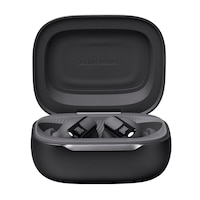
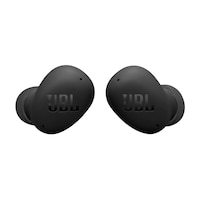
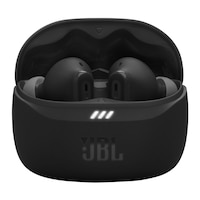
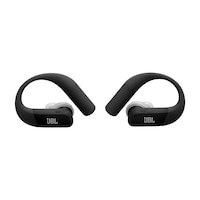
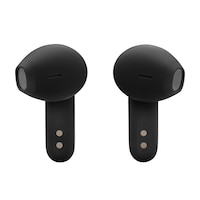
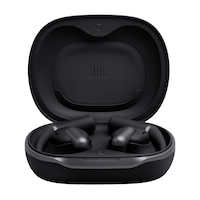
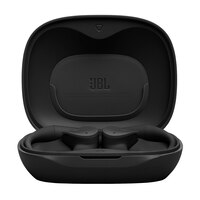
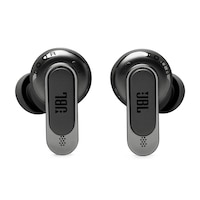
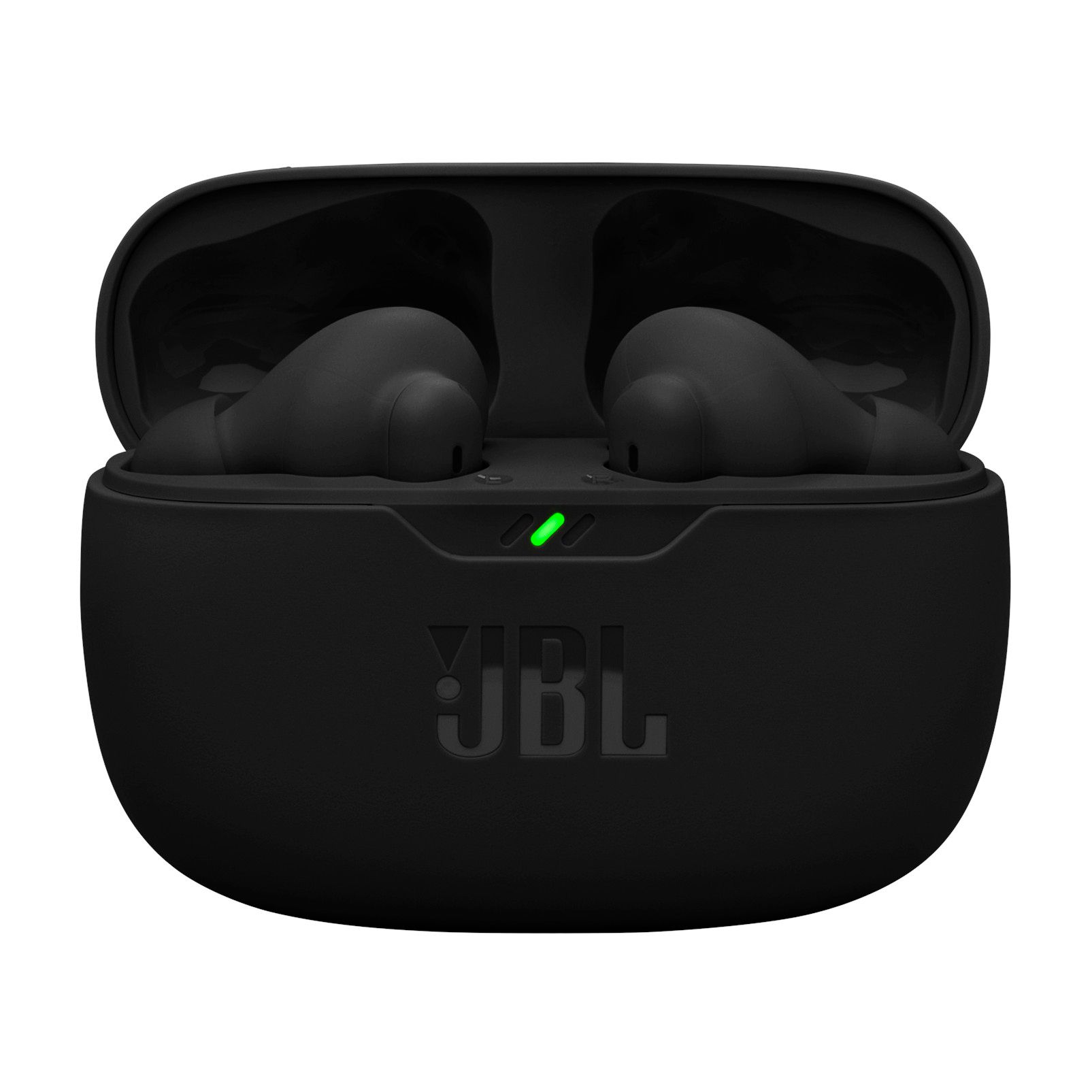
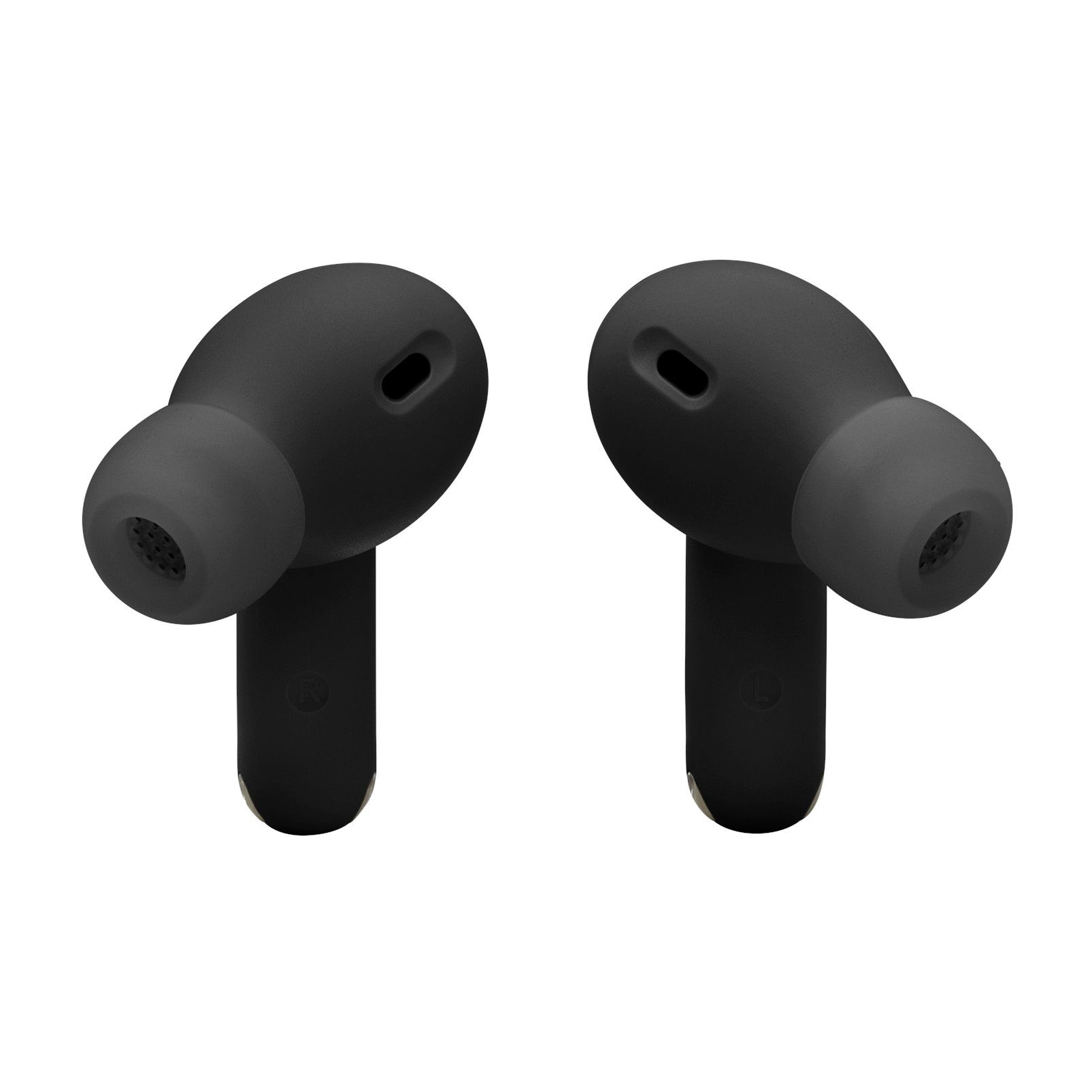
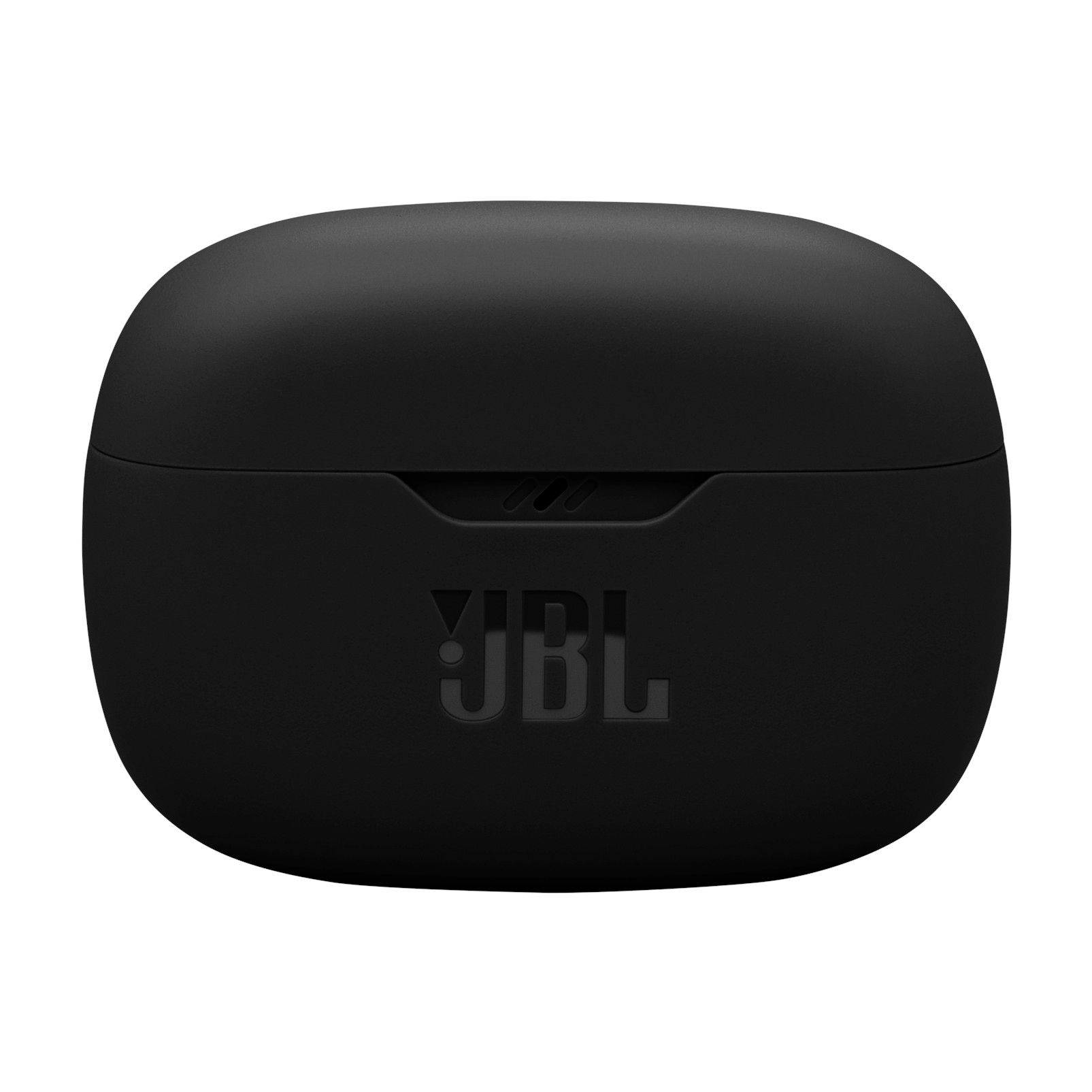
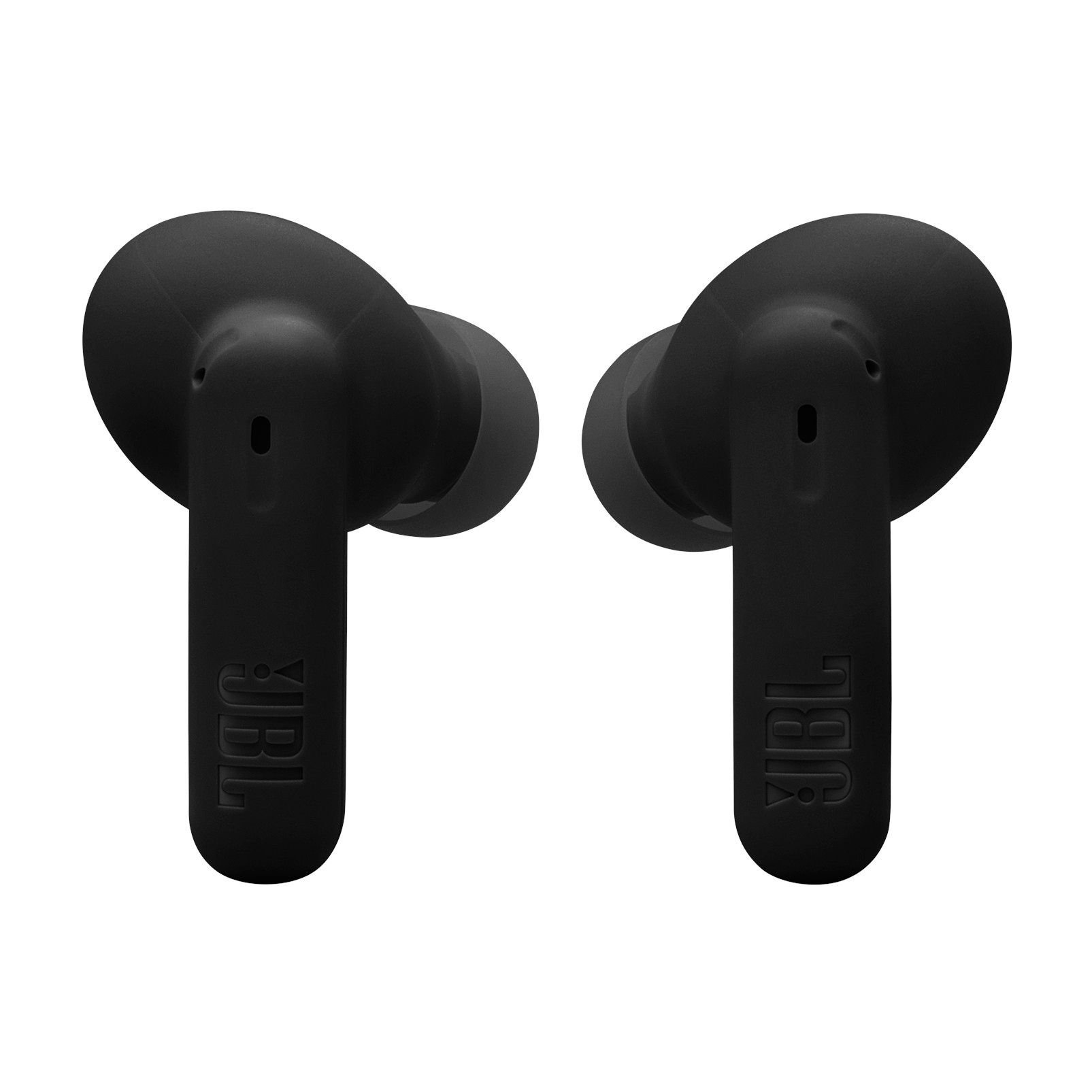
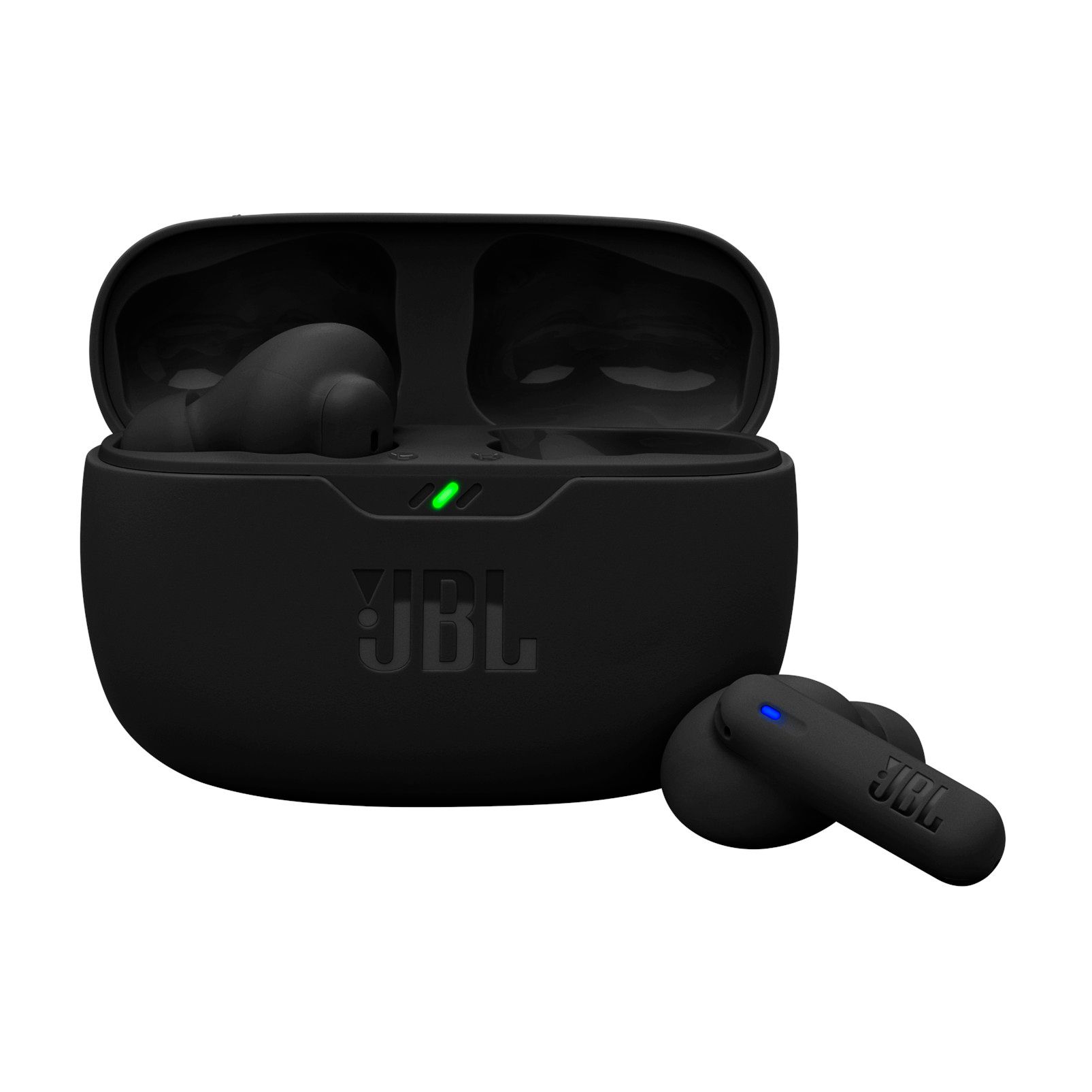
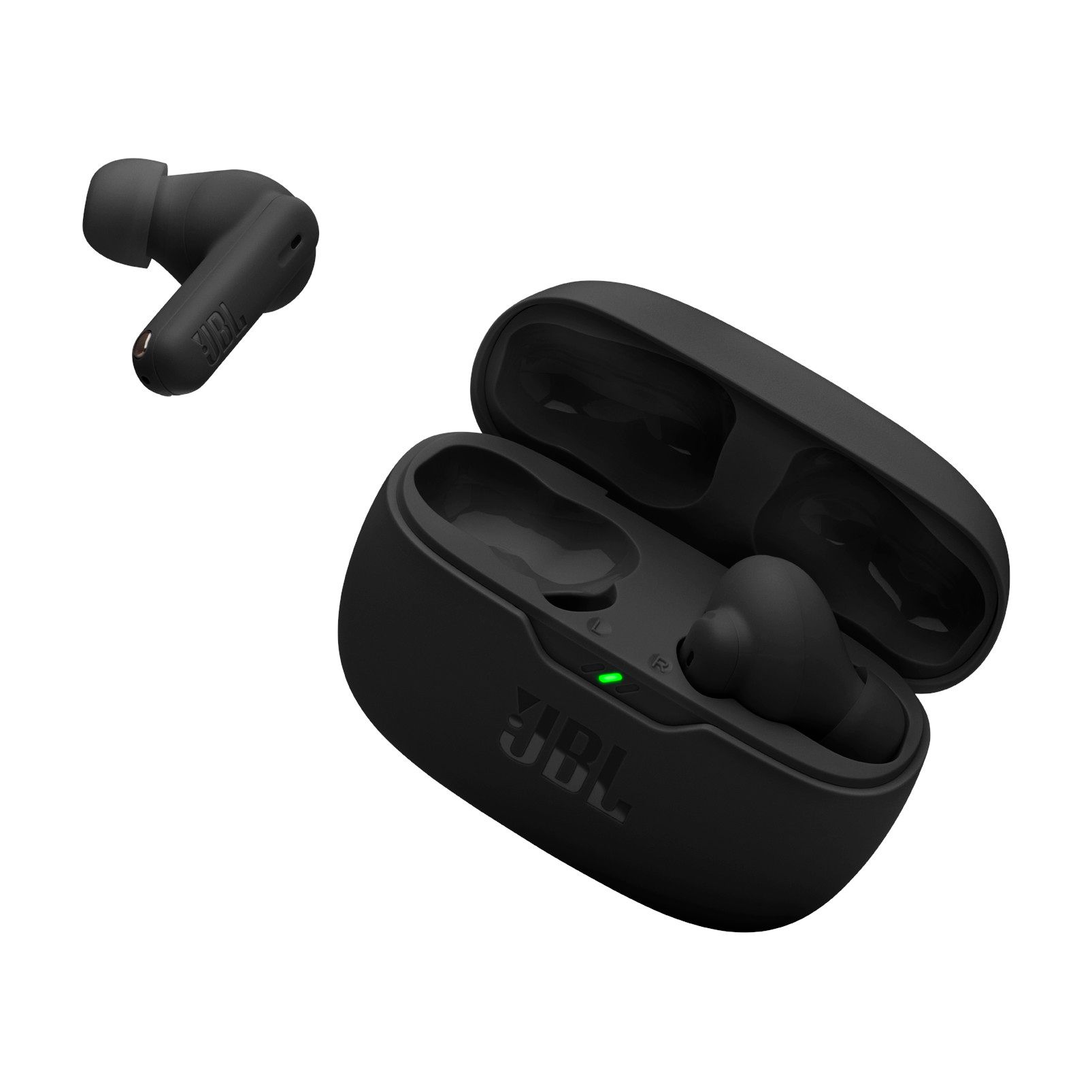
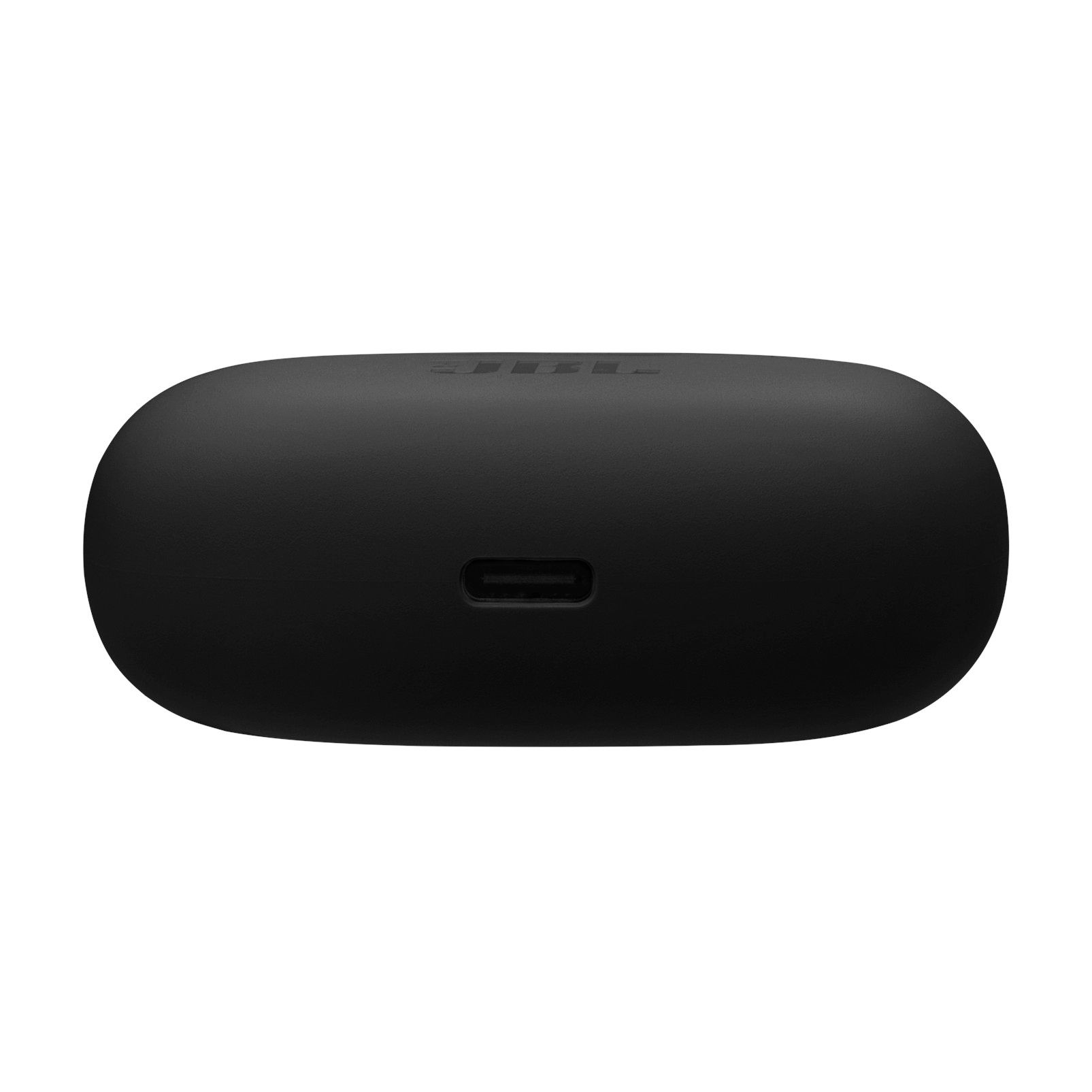
JBL Vibe Beam 2 Bluetooth Earbuds with Long Battery Life

#334641823
$49.98
price was $99.99
Triangle Plan Logo

Get 0% financing on purchases over $150 or more with a Triangle® Credit Card.


Affirm logo

Financing available on orders $50+. See if you qualify

Buy Online :
Please select a nearby store:
Free Shipping on eligible Ship to Home orders over $99
Quantity updated to 1
New digital payments available on checkout page:
Also Find It in Store:
JBL
JBL

JBL Vibe Beam 2 Bluetooth Earbuds with Long Battery Life

$49.98
price was $99.99
Sale ends: July 31, 2026

Product Details

Experience superior sound quality with the JBL Vibe Beam 2 Earbuds. These wireless earbuds offer JBL Pure Bass Sound and active noise cancelling, allowing you to control your listening environment. With the JBL Headphones app, you can customize your audio experience, with up to 40 hours of playback time.

  • Adaptive noise cancelling and Smart Ambient technology for environmental control

  • Four microphones for clear, hands-free calls

  • Water and dust resistant for durability

  • Customizable sound settings via the JBL Headphones app

  • Multi-point connection for seamless device switching

  • Up to 40 hours of battery life for all-day listening

  • Easy Bluetooth pairing ensures smooth, hassle-free connection

  • Quick charging capability for convenience

Headphone Type In-Ear
Accessories List Charging Cable,Charging Case
Advanced Features Noise Cancelling,Sweat Resistant,Built-in Microphone
Cord Length (ft.) 0.00 ft
Cushion Material Silicon
Smart System Compatibility No Smart Technology
Effective Wireless Range (ft.) 240.00 ft
Power Source Battery
Battery Type/Battery Size Integrated Rechargeable
Batteries Required Quantity 3
Battery Charge Time (hr) 2 h
Battery Technology Lithium-Ion
Assembled Weight (kg) 0.05 kg
Assembled Length (cm) 2.58 cm
Assembled Width (cm) 6.43 cm
Assembled Height (cm) 4.80 cm
Non-toxic When Used as Intended Yes
Online Ordering
Returns
  • Most products can be returned or exchanged at any Sport Chek retail store
  • Return to our warehouse via mail at your cost
  • Returns must be made within 30 days to receive a full refund
  • Returns made between 31 and 60 days will receive merchandise credit
  • The return policy outlined above may not apply to the product you are currently viewing. For complete details and eligibility, please refer to our Return Policy for exceptions.
Compare Similar Items

Only Show Differences
Ratings
Headphone TypeIn-EarEarbudsIn-EarEarbudsIn-Ear
Accessories ListCharging Cable,Charging CaseUSB Charging Cable,Replacement Earbuds,Rechargeable Battery,Carrying Case,Charging CaseCharging Cable,Charging CaseCharging Cable,Charging CaseCharging Cable,Charging Case
Advanced FeaturesNoise Cancelling,Sweat Resistant,Built-in MicrophoneWireless,Compact Design,Long Battery Life,Built-in Microphone,LightweightWireless,Sweat Resistant,Compact Design,Long Battery Life,Built-in Microphone,LightweightNoise Cancelling,Sweat Resistant,Wireless,Built-in MicrophoneNoise Cancelling,Wireless,Sweat Resistant,Compact Design,Long Battery Life,Built-in Microphone,Lightweight

Review Highlights

List of Pros Highlights
List of Cons Highlights

Reviews

Rating Snapshot

Select a row below to filter reviews.
37 reviews with 5 stars.
16 reviews with 4 stars.
16 reviews with 3 stars.
14 reviews with 2 stars.
6 reviews with 1 star.

Overall Rating

3.7

Review this product

Select to rate the item with 1 star. This action will open submission form.
Select to rate the item with 2 stars. This action will open submission form.
Select to rate the item with 3 stars. This action will open submission form.
Select to rate the item with 4 stars. This action will open submission form.
Select to rate the item with 5 stars. This action will open submission form.
Adding a review will require a valid email for verification
    1 to 8 of 89 Reviews.
    1 – 8 of 89 Reviews

    Bad fit to ear

    11 days ago
    These blow chunks they don't fit my ear the audio quality is not as good as the JBL Tune Flex twow

    Originally posted on jbl.com

    Response from jbl.com:
    11 days ago
    Customer Support
    We appreciate your feedback. We understand that the fit and audio performance did not meet your expectations, especially when compared to the JBL Tune Flex 2. Each of our models is engineered with a unique sound profile and ergonomic design to serve different user preferences. To ensure you are receiving the best possible fit and seal, we recommend utilizing the 'Check My Best Fit' feature in the JBL Headphones App. This feature determines if you are using the correct ear tip size and the optimal positioning within your ear canal. To use this, please download or open the JBL Headphones App, scroll down to 'Check My Best Fit,' and click to begin the process. We have documented your comments regarding the fit and audio quality and will pass them along to our product development team for future enhancements.

    Amazing except...

    19 days ago
    The sound quality and noise canceling and all that was good. I like everything about these except for the button. It's one of those that sense your finger, not a push button. It didn't work very well at all and was super frustrating to use at work. I would have 5 starred these, but that is one major feature to mess up on. I sent them back and got beats with an actual press button.

    Originally posted on jbl.com

    Response from jbl.com:
    19 days ago
    Customer Support
    We appreciate you sharing your detailed feedback. The touch-sensitive interface was designed to provide a seamless, button-free user experience; however, we understand that this specific design did not meet your expectations for ease of use in a professional environment. Your insights regarding the preference for physical buttons are invaluable, and we will pass this along to our product development team for future enhancements.

    good sound but noise cancelling and controls suck

    21 days ago
    The sound is good, no complaints there, and the equalizer in the app is nice. unfortunately, the noise canceling is pretty terrible and the gesture controls are set up in a very irritating way. i often find myself toggling the noise canceling on and off trying to figure out which is on and which is off. even when i can tell the difference, it isn't very effective. there's also occasional bits of static sometimes when you're using it without other audio playing, which gets annoying really fast. the gesture controls are customizable in the app, but nowhere near as customizable as i'd like them to be. the controls are split into three sets: playback, volume, and ambient sound, and you choose which set of controls is assigned to which earbud. the problem with this being that there are three sets of controls and only two earbuds, so there will always be one set of actions you cannot use gestures for. with other earbuds you can choose the action that corresponds to each gesture individually, which i think works much better. my biggest gripe with this is honestly that every set of controls assigns 'tap and hold' to 'activate siri' despite all the other actions being different, and i don't even have siri turned on! that gesture could easily be assigned to something else so that i could play/pause, adjust volume, and toggle noise canceling all with gestures, but instead i have to leave one of those off and have a control that i will never ever use instead. why not just let the user decide which gestures do which actions instead of this nonsense? if the only thing you're looking for is sound quality these are great, and they're relatively inexpensive compared to other similar earbuds, but if you use noise canceling a lot or like customizable controls i'd go with something else. personally both of those things are important to me so i would not buy these again.

    Originally posted on jbl.com

    Response from jbl.com:
    21 days ago
    Customer Support
    Thank you for your feedback. ANC performance depends on a proper earbud fit. For noise cancellation to work effectively, the earbuds must create a secure seal in your ear canal, as even small gaps can allow outside noise to enter and reduce ANC performance. We recommend trying all included ear tip sizes, as a different size may be needed for each ear. A proper seal can significantly improve both comfort and noise-cancelling effectiveness. The JBL Headphones app also offers gesture customization options, allowing you to personalize certain controls to better suit your preferences. While the JBL Vibe Beam 2 uses predefined control assignments rather than fully customizable individual gestures, we appreciate your suggestions and recognize the value of having additional flexibility. Your feedback is important to us, and we will be sure to share it with the appropriate team for consideration in future product and software improvements.

    Sound in Ear will cut out

    27 days ago
    I have now bought 3 different sets after continuously returning them and getting a new pair and I have had the same issue every time. The audio will cut out in one of the ears for a few seconds every minute or so. It gets even worse at the gym with everyone wearing Bluetooth headphones and the audio will cut out in both ears every 30 seconds or so. After trying 3 different sets I will not be trying a 4th, highly don’t recommend if you want clear listening in both ears non-stop.

    Originally posted on jbl.com

    Response from jbl.com:
    25 days ago
    Customer Support
    Thank you for your feedback. This is not what we wanted you to experience with our JBL Vibe Beam 2. Please contact our customer support, so we could assist you further with your issue. This will help us to find out the root cause and resolves your concern. https://support.jbl.com/us/en/

    Left earbud quit working after a month

    28 days ago
    I have had my JBL vibe beam 2 earbuds for just over a month, the left earbud stopped charging. I've tried everything to get it to work with zero results. NOT happy is an understatement

    Originally posted on jbl.com

    Response from jbl.com:
    25 days ago
    Customer Support
    Thank you for sharing us your experience with our JBL Vibe Beam 2. With TWS ear buds, charging issues are frequently caused by foreign matter on the metal charging contacts. This can include sweat, grease, ear wax, etc. These issues can be resolved by cleaning the metal contact points on the earbuds and case, using a cotton swab and alcohol. We invite you to contact our customer support for further assistance.

    They're just ok

    a month ago
    Purchased these the other day and the sound is awesome, especially through the app. My biggest issues are that the "gesture" features almost never feel my touch when I am trying to pause/play music, change the ANC setting, etc...and the right ear bud will sound quiet for a couple seconds or give me just static. I've tried troubleshooting them but they seem to be stuck this way. Price point is good, but I wish they worked better and as advertised. Sound quality is good, bass is surprisingly good.

    Originally posted on jbl.com

    Response from jbl.com:
    a month ago
    Customer Support
    We appreciate you taking the time to provide us with your feedback on our JBL Vibe Beam 2 TWS. We'll make sure to share your feedback with the appropriate team. If you need more help with your unit, please contact our customer support via our official website or toll-free hotline.

    The ambient control issues make my blood BOIL

    a month ago
    The ambient mode works well. So well that I can't hear my audio when its at full volume in a loud environment. And when I turn the sound control off, IT TURNS ITSELF BACK ON. I cannot express the anger that boils inside of me when I am neck deep in work and the bud I have in my ear stops doing what I told it to do. Not to mention the discomfort of the actual earbud or the way it won't stay in my ear. But I cannot stress enough how irritating the sound control issue eclipses any good thing I would have to say about these; like the fact that the battery life is good enough and the BT app is pretty neat. That doesn't matter as long as this earbud malfunctions literally less than every 5 seconds.

    Originally posted on jbl.com

    Response from jbl.com:
    a month ago
    Customer Support
    Thank you for sharing your detailed feedback with us. To address the discomfort and ensure the earbuds stay securely in place, we recommend trying all of the included ear tips to find the size that provides the best fit. Finding the correct fit is essential for both comfort and optimal sound performance. Regarding the sound control issue and ambient mode resetting, this behavior can often be resolved by performing a factory reset. Please try the following steps: 1. Remove both earbuds from the charging case. 2. Tap either earbud three times, then on the third tap, press and hold for five seconds. 3. Place the earbuds back into the charging case to complete the process. If you continue to experience this issue or require further assistance, please contact us directly so we can help resolve this concern for you.

    Disappointed ☹️

    2 months ago
    My friend say it’s hard for them to hear me. Sounds like I’m underwater when I’m speaking with the headphones. When it’s a noise canceling status, I can still hear people talking around me, though. It may sound like my head is underwater and the sound is coming through, but I can still hear the sound. Comfort wise, there are pretty comfortable and I really love the color

    Originally posted on jbl.com

    Response from jbl.com:
    2 months ago
    Customer Support
    Thank you for letting us know about our JBL Vibe Beam 2. The noise‑cancelling feature is designed primarily for music listening, so when it is activated during a call, it may filter unnecessary sounds coming from the other party. If the person on the other end is also using headphones with noise‑cancelling, the effect will be similar. You may try to disable this feature and see how it goes. We can also try to do a reset by tapping the earbuds' sensor twice (while outside the case) and hold it on the third tap for more than 5 seconds. You may need to 'forget' the headphones in Bluetooth settings on your phone/tablet in order to pair it again. Trying another source device is also applicable. Please contact our customer support for further assistance.
    1 – 8 of 89 Reviews